Building the app…
Thought Flare Academy · App Development Course

Design it. Build it. Ship it to the store.

A live, project-based course covering native iOS, native Android, cross-platform builds, backend/API work and UI/UX — taught by the same team that ships client apps to the App Store and Play Store every month.
5 App TracksPick one or combine
Real Store LaunchShip a live app by graduation
Cohort-basedTaught by our app team
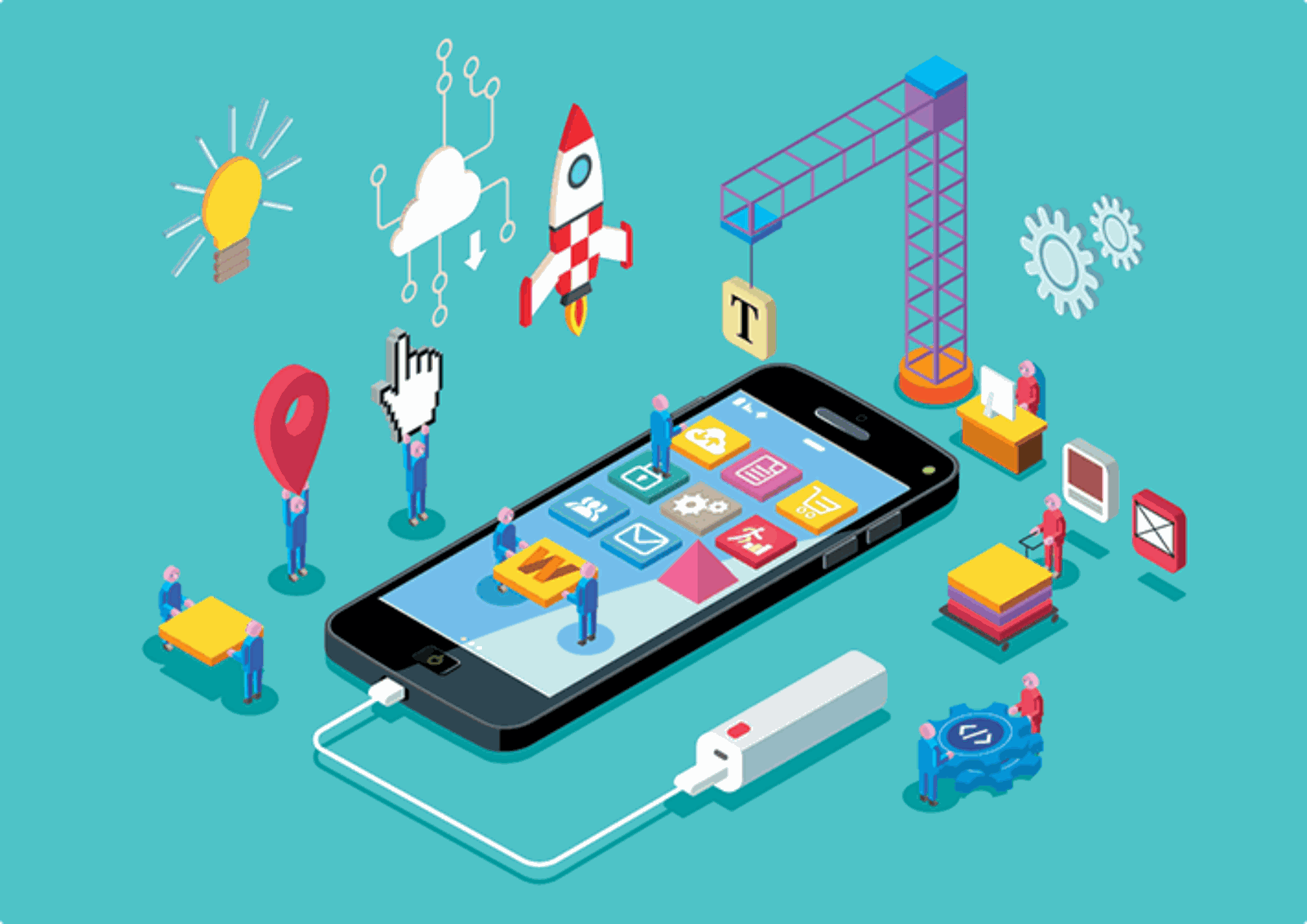
Mobile app UI screen mockup
9:41●●●
Build StatusLive
Ready for ReviewApp Store & Play Store
Swift & SwiftUIKotlin & Jetpack ComposeFlutterReact NativeFirebaseREST & GraphQL APIsApp Store ConnectGoogle Play Console Swift & SwiftUIKotlin & Jetpack ComposeFlutterReact NativeFirebaseREST & GraphQL APIsApp Store ConnectGoogle Play Console
Pick your track

Five ways into app development — or combine them into one.

Each track ends with a real app on a real device. Not sure which fits? The Full-Stack App Package below covers all of them in a single structured program.

iOS app development on a laptop with device preview Swift · SwiftUI · Xcode 9 weeks
Track 01

iOS Development

Build native iPhone and iPad apps the way Apple's own tooling expects — from first screen to a submitted App Store build.

Swift & SwiftUIModern declarative UI, start to finish.
Core Data & NetworkingLocal storage plus real API calls.
Push NotificationsEngagement features users expect.
App Store SubmissionReview guidelines, screenshots & metadata.
Ask About This Track
Android app development with device emulator Kotlin · Jetpack Compose 9 weeks
Track 02

Android Development

Native Android apps built with Kotlin and Jetpack Compose, tested across devices, and published to the Play Console.

Kotlin & Jetpack ComposeModern Android UI toolkit.
Room & NetworkingLocal database plus REST integration.
Firebase Cloud MessagingNotifications and analytics events.
Play Console LaunchInternal testing to public release.
Ask About This Track
Cross platform app running on two device types Flutter · React Native 10 weeks
Track 03

Cross-Platform Development

One codebase, both stores. Learn Flutter and React Native and ship the same app to iOS and Android at once.

Flutter & DartWidget-based UI for pixel-perfect apps.
React NativeShare logic with your web team's React skills.
State ManagementProvider, Riverpod & Redux patterns.
Dual-Store ReleaseOne build pipeline, two app stores.
Ask About This Track
Backend API server infrastructure for mobile apps APIs · Auth · Databases 8 weeks
Track 04

Backend & API for Mobile

Every good app needs a server behind it. Build the APIs, auth and databases that power real mobile apps at scale.

REST & GraphQL APIsBuilt for mobile clients specifically.
Auth & User SessionsLogin, tokens & secure sessions.
Firebase & PostgreSQLTwo real-world database approaches.
Cloud DeploymentShip the API alongside the app.
Ask About This Track
Mobile app UI UX design wireframes and prototypes Figma · Prototyping 5 weeks
Track 05

App UI/UX Design

Design the screens developers actually want to build — wireframes, design systems and clickable prototypes in Figma.

Figma for MobileComponent-based design systems.
Wireframing & FlowsUser journeys before pixels.
Design SystemsReusable components for iOS & Android.
Handoff to DevSpecs developers can build from directly.
Ask About This Track
Full app development pipeline from design to launch Design → Build → Launch 16 weeks
Recommended

Full-Stack App Package

Can't decide? This is all five tracks combined into one program — design, native or cross-platform build, backend, and a real store launch, in order.

UI/UX FirstDesign the app before writing code.
Build Your ChoiceNative iOS/Android or cross-platform.
Backend IncludedFull API and database behind your app.
Real Store LaunchYour app, published, by graduation.
Ask About This Track
How a real app gets shipped

The same build pipeline our team runs for client apps.

Every project — yours included — moves through these four stages live in class, so you see exactly how an idea becomes an app on someone's home screen.

Stage 01

Design

Wireframes, user flows and a Figma prototype before a single line of code is written.

Stage 02

Build

Native or cross-platform development, screen by screen, connected to a real backend.

Stage 03

Test

Device testing, crash reporting and TestFlight/Internal Testing feedback loops.

Stage 04

Launch

App Store & Play Store submission — metadata, screenshots, review, and go live.

0
App development tracks to choose from
0
Weeks in the Full-Stack App Package
0
Real screens built and tested per app
0
App stores you'll actually publish to
Course roadmap

From wireframe to a live listing on the store.

Six modules, taught in the order a real app project actually runs — so week three's build is already grounded in week one's design decisions.

01

Product Planning & Wireframes

Defining the app's core flows before touching Figma or code.

02

UI Design in Figma

A real design system — components, spacing and states — built for handoff.

03

Core App Development

Screens, navigation and local state, built in your chosen track.

04

Backend, Auth & APIs

Connecting the app to real data — login, storage, and live endpoints.

05

Testing & Device QA

Cross-device testing, crash monitoring, and fixing what actually breaks.

06

Store Submission & Launch

Metadata, screenshots, review guidelines, and going live on both stores.

Built by past cohorts

Real apps, built and shipped in class.

A sample of the kinds of apps students walk away with — yours will be just as real.

Fitness tracking app screen
Fitness TrackeriOS · SwiftUI
Food delivery app screen
Food DeliveryCross-Platform · Flutter
Finance budgeting app screen
Budget PlannerAndroid · Kotlin
Social community app screen
Community AppFull-Stack Package
From past cohorts

Taught by people who ship apps to real users.

I walked in knowing zero Swift and walked out with an app on the App Store. The build-pipeline structure made every stage make sense.

UZUsman Z.iOS Track Graduate

The Full-Stack Package was worth it — one codebase, both stores, and a backend I actually understand now.

ARAyesha R.Full-Stack App Graduate

UI/UX week alone changed how I approach every project — developers on my team now ask for my Figma files first.

FKFahad K.App UI/UX Graduate
Seats are limited per cohort

Ready to build the app that's been sitting in your notes app?

Book a free call and we'll help you pick the right track, walk through the syllabus, and show you exactly what your first build looks like.